
vidl#
Video/audio download site
Note: The repo is unmaintained and the server is not online.
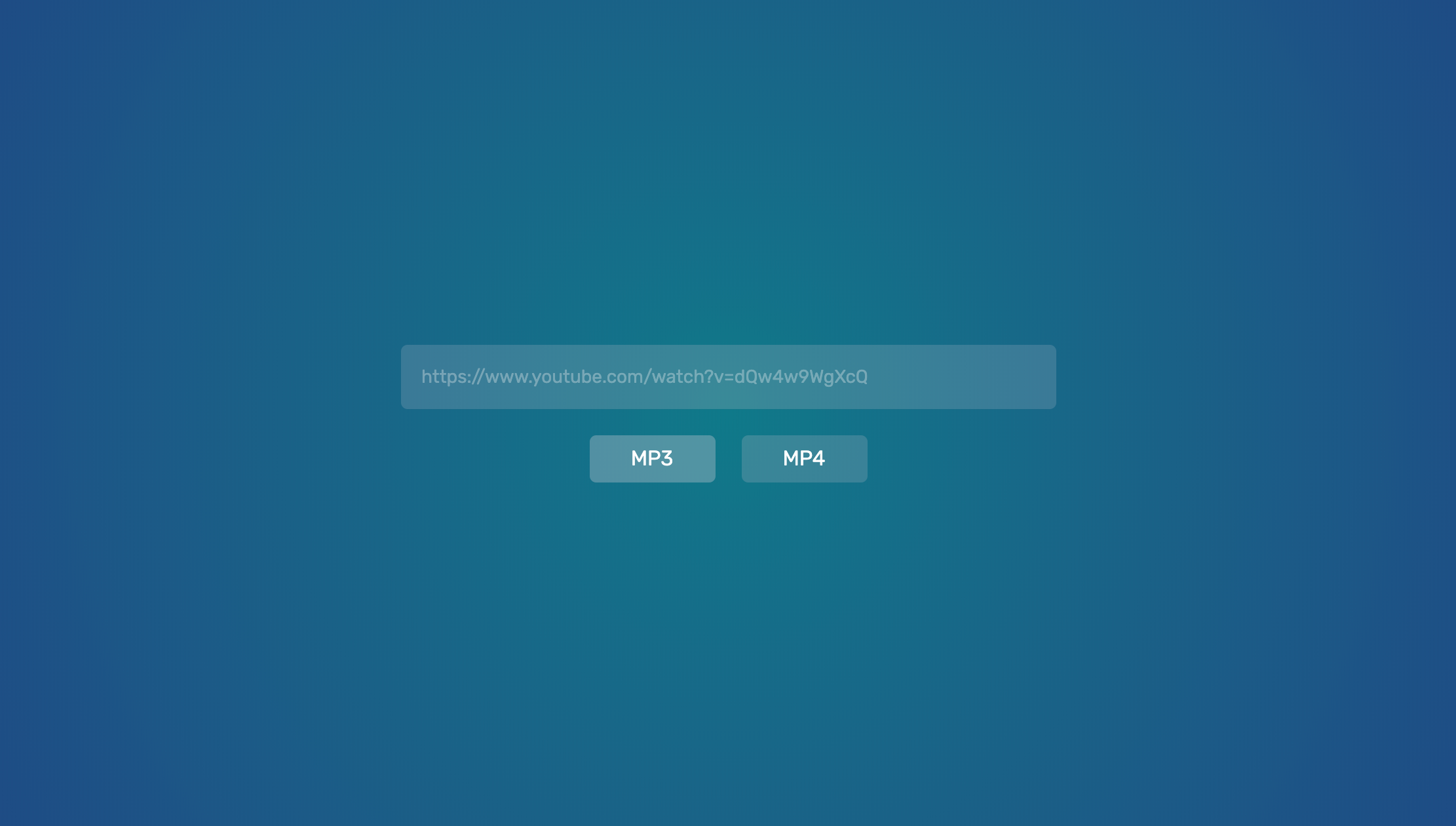
Website#
The website source code is located in the website folder.
Get started#
- Install NPM
npm install: install the dependencies.npm run build-prod: build the website. The output is located inside thedocsfolder, so it can be hosted on GitHub Pages for free.npm run build-dev: Just likebuild-prod, but for development (it watches for changes).- In
config.js, you'll find the websocket URLs that the website connects to. One URL for local development and one for production. In dev mode, the website is hosted on localhost:8080. You can change the port inconfig.js.
Server#
Get started#
- Install Docker
docker-compose build: Build the thing and install the NPM dependencies. This will build youtube-dl from source, so it will take a while.npm run prod: Starts the server in production mode. All it does is runVIDL_ENV=prod docker-compose upnpm run dev: Starts the server in dev mode. All it does is runVIDL_ENV=dev docker-compose up
Browser extension#
Note: Only Chrome is officially supported at the moment. The browser extension source code is located in the browser-extension folder.
Get started#
- Install NPM
npm install: install the dependencies.npm run build-prod: build the website. It outputs a chrome folder that can be added as an unpackaged extension, and a chrome.zip file that can be added as a real extension.npm run build-dev: Just likebuild-prod, but for development (it watches for changes).- In
config.js, you'll find the websocket URLs that the website connects to. One URL for local development and one for production.