
Embler#
Turn binaries into applications.
Embler can be used with pkg to turn a Node.js project into an app, without having to resort to Electron. Useful for making a web interface, or a basic menubar app.
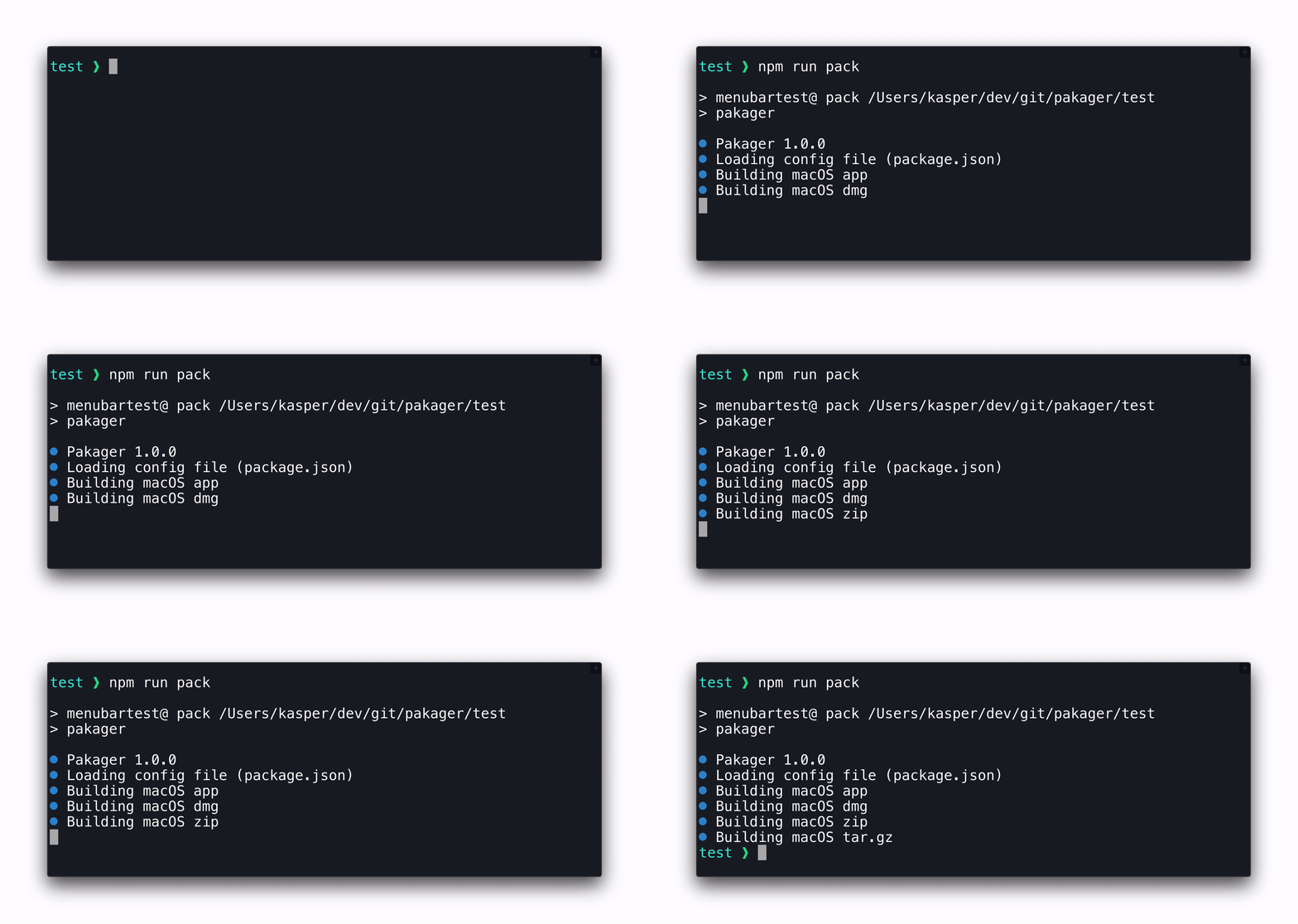
Supports macOS app, dmg, zip and tar.gz. dmg requires macOS
Installation#
npm install embler
Usage#
- Specify options in your
package.jsonlike so:{ "name": "affinity-photo", "author": "Serif", "version": "1.7.0", "scripts": { "build": "embler", }, "embler": { "realName": "Affinity Photo", "appId": "com.seriflabs.affinityphoto", "mac": { "binary": "dist/affinity-photo-mac-bin", "icon": "icon.png", "formats": ["app", "dmg", "zip", "tar.gz"], } } } - Run
npm run build
Usage with pkg#
- Run
npm install pkg - Configure
pkgandemblerto your liking (Usage example above) - Set the
scripts.build,binandembler.mac.binaryproperties in yourpackage.jsonlike so:
{
    "bin": "index.js",
    "scripts": {
        "build": "pkg . --target macos --output dist/test-bin-macos && embler"
    },
    "embler": {
        "mac": {
            "binary": "dist/test-bin-macos"
        }
    }
}
- Run
npm run build index.jsis now an app.
API Usage#
Supply options via json file:
const embler = require('embler')
await embler.build('embler.json')
Supply options directly:
const embler = require('embler')
await embler.build({
    name: "my-app",
    author: "kasper.space",
    version: "2.4.1",
    embler: {
        realName: "My App",
        // ...
    }
})
Options#
name#
- Required unless
embler.nameis specified - The app's name. For example used for the app's process name
- Recommended to not use spaces or non-basic special characters
author#
- Required unless
embler.authoris specified - The app's author
version#
- Required unless
embler.versionis specified - The version of the app
embler.realName = "${name}"#
- Recommended
- The app's name. This is the name users will see
- Spaces and special characters are allowed in this one
embler.appId = "com.example.${name}"#
- Recommended
- The application id
embler.copyright = "Copyright © year ${author}"#
- Human-readable copyright line
embler.outputDir = "dist"#
- The output folder
embler.backgroundApp = false#
- Whether the app will just run in the background app. On macOS, it won't show up in the Dock
embler.name#
- Overrides
name
embler.author#
- Overrides
author
embler.version#
- Overrides
version
embler.mac#
- Object which contains macOS-specific options
embler.mac.binary#
- Required
- Path to the binary which will run when the app is opened
embler.mac.category#
- Recommended
- The app's category. Shown in
/Applicationsin Finder whenView > Use Groupsis enabled usingView > Sort By > Application Category - Valid categories are listed in Apple's documentation
embler.mac.icon#
- Recommended
- Path to your app's icon
.icnsor.png
embler.mac.formats = ["app"]#
- Array of the formats Pakaer will output
- Supports
app,dmg,zipandtar.gz. Creatingdmgrequires macOS
embler.mac.dmgBackground#
- Path to a custom background image for the
dmg - The resolution should be 660x400
- To support retina displays, have an extra image at double resolution that ends with
@2x. For example, you could havedmgbg.pnganddmgbg@2x.png
embler.mac.darkModeSupport = true#
- Turn this to false to disable dark mode support.
embler.mac.customInfo = {}#
- In this object, you may add or overwrite
Info.plistentries. Example:"customInfo": { "CFBundleDevelopmentRegion": "en" }
Dev Instructions#
Get started#
- Install Node.js
- Run
npm install - Set up ESLint support for your code editor
To be able to run/test Embler:
- Go to
./test(This is where you test Embler) - Run
npm install - Run
npm run compile(Compilesindex.jsto binary)
To test Embler:
cd ./test
npm run pack
Publish new version#
- Update CHANGELOG.md
- Bump the version number, commit and tag:
npm version <version> - Publish to npm:
npm publish - Create GitHub release with release notes